A free site photo filer
New
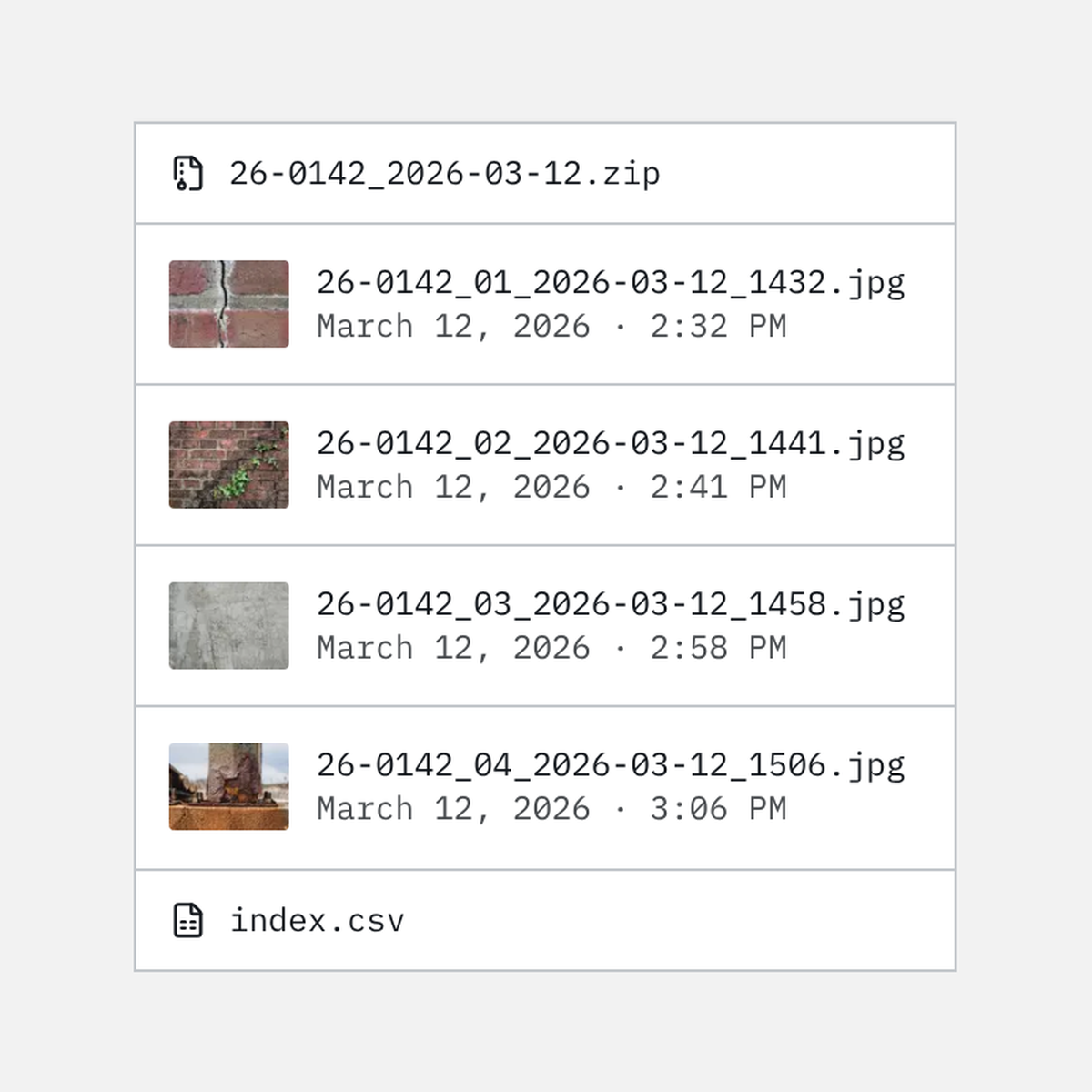
Rename a site visit’s photos in the order each camera recorded, and download them with an index, ready for the job’s folder.
The site photo filer is the second free tool, beside the site photo log. Add a visit’s photos, and it numbers them in the order each camera recorded, whatever order they arrived in. Photos with no recorded time follow the rest, in the order you added them.
Choose how each file is named: the number, then the date and time; the date and time, then the number; the number alone; or the number, then the original name. A name can start with the job number, so every file says which job it belongs to. The list shows each photo’s new name beside the one it had, and you can reorder it by hand before you download.
The set downloads as one zip with an index of every photo: its number, its file name, when it was taken, and the name it had. A zip holds up to 4 GB, so a very large visit downloads as more than one set.
Only the names change. Each file keeps everything its camera recorded, location included, since what a camera recorded is part of the evidence.
Like the photo log, it runs in your browser. Your photos never leave your device, and nothing is saved, so keep the tab open until the zip downloads. It reads times from JPEG files, which is what most phones and cameras produce; photos sent through chat apps often lose their time.